A senior receives a text message from their bank asking them to “confirm an urgent transfer.” The message displays the correct logo, the right number apparently, and a link to a convincing form. This scenario of the fake bank advisor now accounts for more than 40% of total payment fraud in France, according to the Payment Security Observatory. Elderly people are among the most frequent victims. Enjoying the internet as a senior means knowing how to spot these concrete traps, not just installing antivirus software.
Fake bank advisor fraud: the trap seniors must recognize first
Phishing is often discussed in general terms. The problem is that the most effective threat against seniors takes a very specific form: a phone call or a text message that mimics the bank. The caller sometimes knows the victim’s name and the beginning of their account number, obtained through data leaks.
The mechanism relies on time pressure. A real bank advisor never asks for a code over the phone. Neither card code, nor code received by SMS, nor online account access password. This simple rule is enough to block the majority of these attempts.
Several associative initiatives help seniors practice facing these situations. Collective workshops offered on seniorcybernet.org allow participants to handle concrete examples of fraudulent messages, identify signs of impersonation, and practice hanging up without guilt.
Specifically, it is recommended to display the official number of their bank (the one on the back of the card) on the refrigerator or near the phone. In case of doubt after a call, hang up and call this number yourself.
Setting up your tablet or computer to limit daily risks
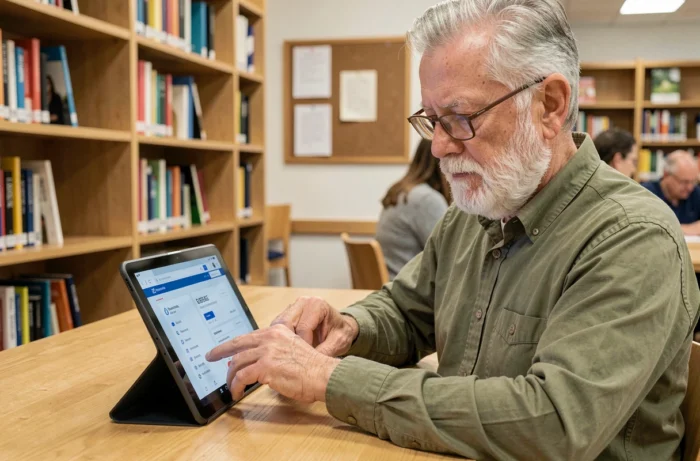
Even before discussing passwords, the configuration of the device plays a decisive role. Automatic system updates fix security vulnerabilities that are actively exploited by fraudsters. On an Android tablet or an iPad, this option can be activated in a few steps in the settings.
Another practical reflex: check that the web browser (Firefox, Chrome, Safari) displays a padlock in the address bar before entering a password or card number. The absence of a padlock indicates an unsecured site.
Passwords: a method that works for seniors
The difficulty is not in creating a complex password. It is in remembering it. The most suitable method in practice is to use a personal phrase that is easy to remember, transformed into a password.
- Choose a phrase related to a personal memory, for example, “My cat Filou loves to sleep on the blue couch” and take the initials: McFadslcb
- Add a number and a special character related to a concrete reference (street number, wedding year): McFadslcb!72
- Use a different password for the bank and for the email account, as these two accounts are the most sensitive
A paper notebook kept at home (not in the wallet) remains a valid solution for noting passwords. Feedback varies on digital password managers: some seniors adopt them easily, while others find the tool itself too complex.
Online shopping and administrative procedures: checks to make before clicking
Buying a train ticket on the SNCF website or declaring income on impots.gouv.fr are common practices. The reflex to instill: always type the website address into the browser yourself rather than clicking on a link received by email.
For purchases on lesser-known merchant sites, three quick verification points help avoid scams:
- The site displays complete legal notices (company name, address, SIRET number)
- Customer reviews exist on independent platforms, not just on the site itself
- Payment goes through a secure page with bank authentication (code sent by SMS or via the bank’s app)
Never save your credit card on a merchant site. Re-entering the number for each purchase takes thirty seconds and prevents data leaks from exposing payment information.
Online health procedures
Accessing the Ameli account or My Health Space allows users to check their reimbursements and share documents with their doctor. For these services, connecting via FranceConnect adds a layer of security by using a centralized identifier.
If the process gets stuck, Maisons France Services offer in-person assistance to finalize these digital procedures.
Social networks and messaging: keeping control of personal data
Facebook remains the most used social network by seniors in France. The default settings often expose posts to everyone. Switching your profile to “friends only” takes two minutes and significantly reduces the visibility of personal information.
On WhatsApp, disabling read receipts and hiding the profile picture from strangers limits the information that third parties can exploit. It is also advisable to avoid forwarding alert messages received in family groups without verification: many are hoaxes or disguised phishing.
What not to publish
Three categories of information should never appear on a social network, regardless of the platform: dates of absence from home, identity documents (even partially visible in a photo), and financial details. This data directly feeds identity theft and targeted burglary techniques.
Enjoying the internet after 60 does not require becoming a computer expert. The best protective actions are also the simplest: hanging up on a pressing caller, typing website addresses yourself, not saving your credit card online. The rest is learned through practice, at one’s own pace.